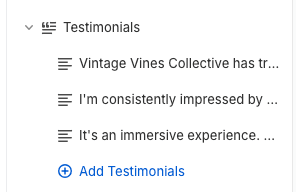
Testimonials
Sections refer to customizable and reusable blocks of content that make up the structure of a webpage. Sections allow you to easily manage and organize the layout of your online store without the need for extensive coding. Each section typically represents a distinct portion of a webpage, such as a product grid, featured collection, or promotional grid.
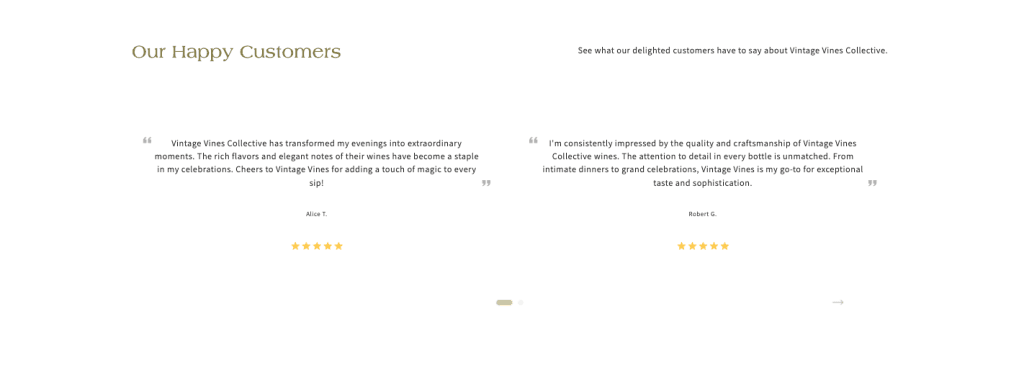
The testimonials section is where the voice of your satisfied customers takes the stage. Dive into the experiences of those who have chosen your products or services, as they share their thoughts, feedback, and success stories. It’s a showcase of real stories from real people—a testament to the quality and value we bring.
How to set up the Testimonials section
- Open the Theme Editor and go to the Template section on the left side.
- Click the ‘Add section‘ button and choose ‘Testimonials‘ from the list.
- In the settings, add a heading and description in the Title section.
- Include testimonials by clicking the ‘Add block‘ button.”