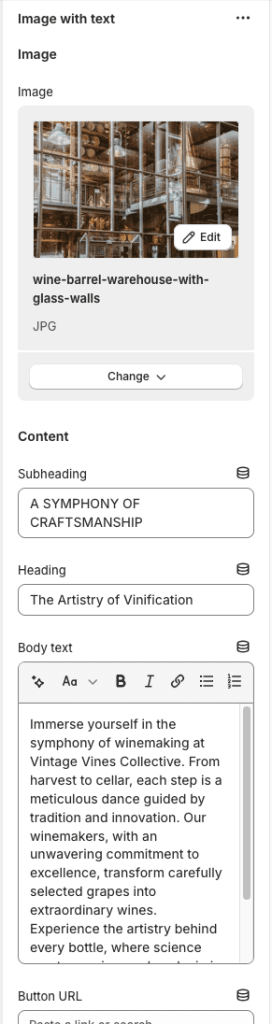
Image with text
Sections refer to customizable and reusable blocks of content that make up the structure of a webpage. Sections allow you to easily manage and organize the layout of your online store without the need for extensive coding. Each section typically represents a distinct portion of a webpage, such as a product grid, featured collection, or promotional grid.
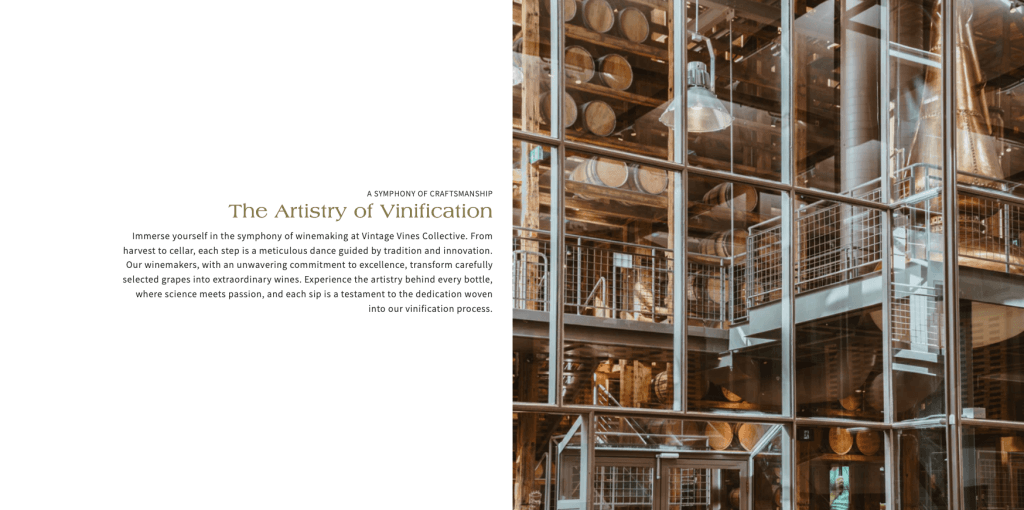
The Image with text feature is your go-to when you have a bit more to say. It’s a powerful tool for conveying longer messages to visitors, bleeding the impact of visuals to grab their attention and the accompanying text’s clarity. It’s the perfect balance for getting your message across effectively.
How to set up the Image with text section
- Open Theme Editor and navigate to the Template section on the left side.
- Click the ‘Add section‘ button and click ‘Image with text‘ from the list.
- In the settings, Add the Image
- Add content