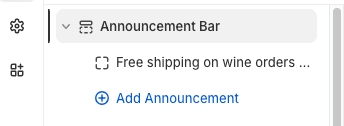
Announcement bar
The announcement bar, positioned just below the header at the top of the page, serves as a conspicuous area for sharing crucial updates, promotions, or time-sensitive messages to captivate visitors and prompt specific actions. Enhancing its flexibility, you can effortlessly add more announcements by incorporating them as individual blocks.
Each announcement block allows you to update text and links, providing users with clickable links leading to different URLs upon interaction. This feature offers a dynamic and efficient way to keep your audience informed and engaged.
How to set up the announcement bar
- Open the Theme Editor.
- Navigate to the Announcement bar section within the Header Group.