Age verification
Age verification on a website is a tool used to confirm a visitor’s age before granting access to specific content or products. It’s commonly employed in industries with age restrictions, ensuring legal compliance and a responsible online experience. Users typically input their birthdate or confirm their age through a pop-up or separate page. This measure helps websites adhere to regulations and maintain a safe online environment.
How to set up an Age verification
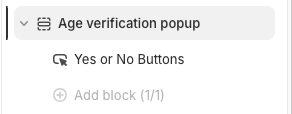
- Open the Theme Editor and navigate to the Age verification popup within the Footer Group.
- Click ‘Enable in edit mode‘ to bring it to life in the Theme Editor.
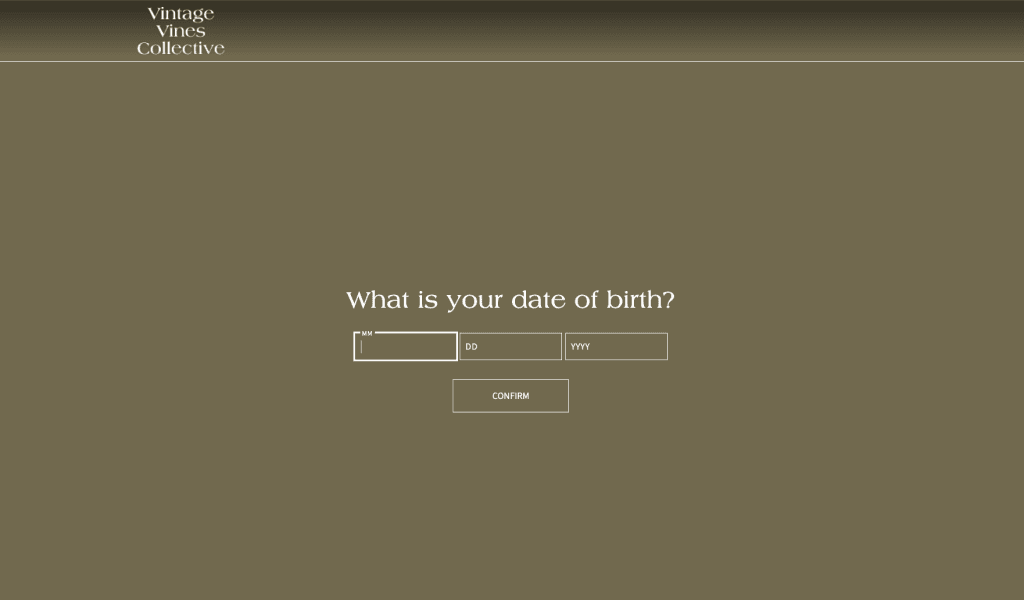
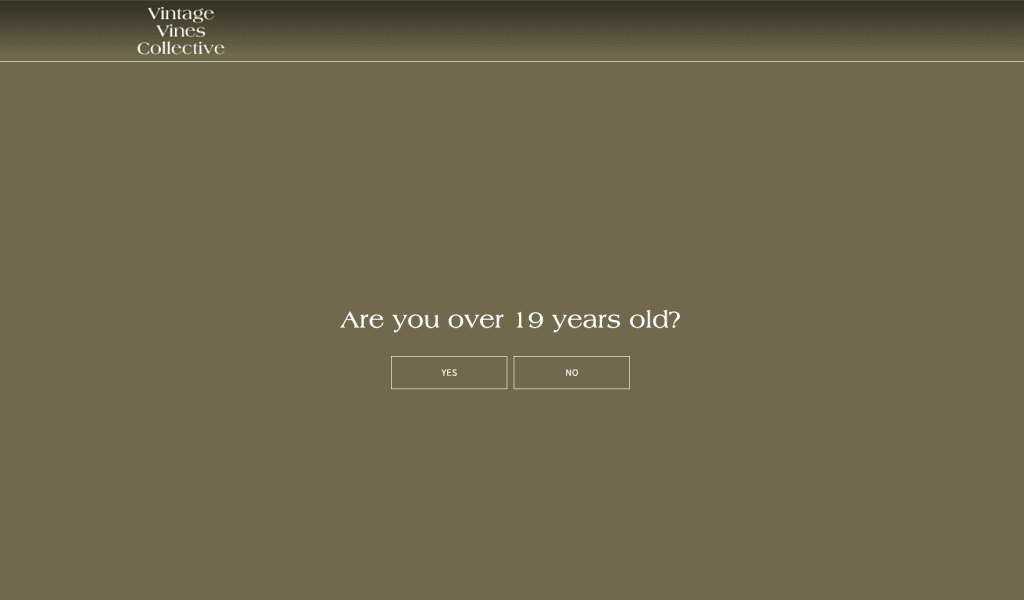
- Customize the block to match your preferred input type. If you want users to enter their birthdate, add the ‘Birthdate input‘ block. If you prefer a simple yes or no, go for the ‘Yes or No Buttons‘ block.
Yes or No Buttons:
Birthdate input: