
Custom work
Looking to customise your theme beyond what the editor allows? Tell us what you have in mind and we will reply within 2–3 business days (PST).
What counts as custom work
Our support policy covers setup, verified bugs and the theme's built-in features. Anything that changes the theme's code is custom work: a new section or block, a layout the editor cannot produce, an integration with an app that needs code, or styling beyond the theme settings.
What to include
- Your store URL and which theme and preset you use.
- What you would like to change, with a screenshot or a link to an example.
- Any deadline, and the budget you have in mind.
We review every request and reply with whether we can take it on, what it would involve and a quote. Theme support requests should go through the normal support form so they are not delayed.
Start from the editor
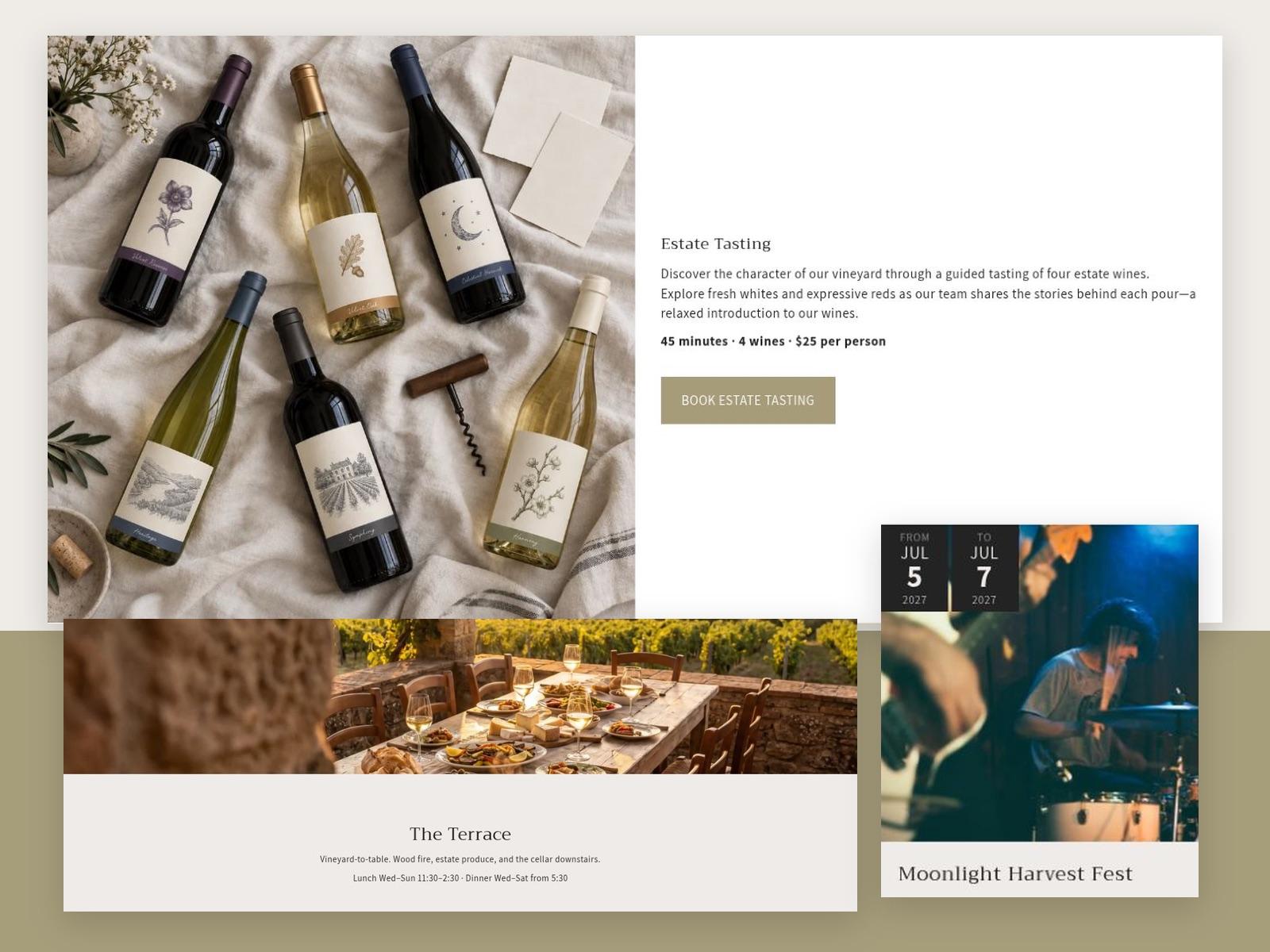
Both themes are more flexible than they first appear. Before requesting custom work, check the theme documentation for the section you need: Vincent documentation and Agnes documentation. Many layouts can be built from existing sections and blocks without code.
Common questions
Can I customise the theme myself?
Yes. Both themes are configured in Shopify's theme editor: colours, fonts, spacing, sections and blocks can all be changed without code. Each theme's documentation walks through every section and setting.
Edits to the theme code itself are possible, but they are outside the scope of our support, and custom code may need to be reapplied when you update the theme.
Do you take on custom theme work?
Custom code changes are not part of standard theme support, but you can send a customization request through the support form by choosing the Customization request category. Tell us what you would like to change and we will reply within 2–3 business days.
What does theme support cover?
Support covers installation and setup issues, verified bugs in the theme, and guidance on using the theme's built-in features and settings.
It does not cover custom code modifications or third-party app integrations, issues caused by edits to the theme's code, requests for new features, or general Shopify training. Read the full support policy.
How do I update to a new version of the theme?
We release updates to add features, improve performance and fix issues. Updates are delivered through Shopify: follow Shopify's guide to updating themes.
Changes made in the theme editor (settings, section order, content) are normally carried over. Custom code added manually or by an app may not transfer automatically, so back up your current theme, add the updated version to your library, and review it before publishing.
Send a customization request
Choose the Customization request category on the support form and describe what you need.