
How to show sizes on product cards
Display a product's size, such as 750 ml, under the product title on Vincent product cards using a Size variant option.
This guide explains how to display a product's size (for example 750 ml) under the product title on product cards.
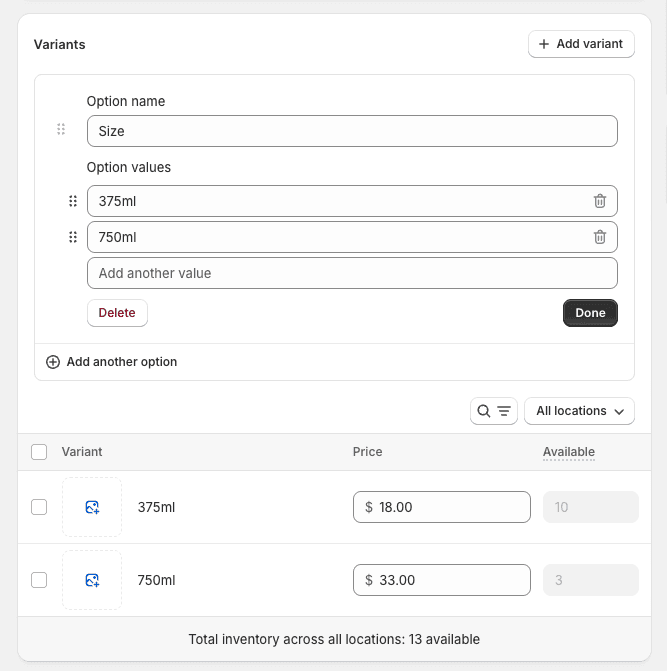
Step 1: Open the product
In Shopify admin > Products, open the product you want to edit.
Step 2: Add a Size variant
- Under Options, add an option named Size (case-sensitive).
- Add your size values, for example 750ml or 1L.
- Click Save.
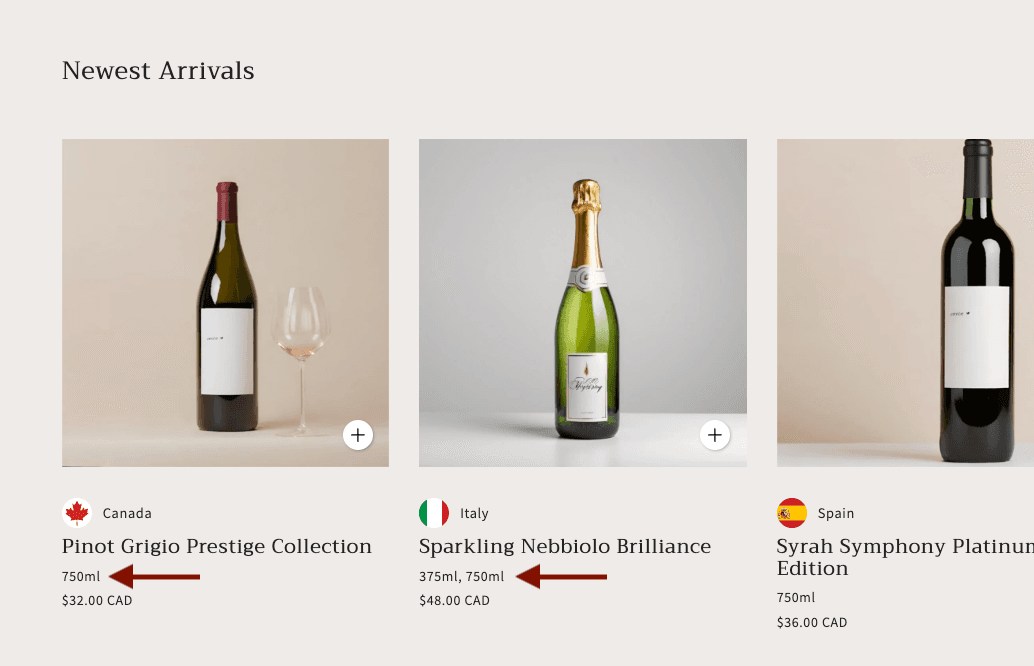
Step 3: Enable sizes in the theme
- Go to Online Store > Themes > Customize.
- Open the section that controls your product cards (for example Product list).
- Check Show sizes.
- Save your changes.
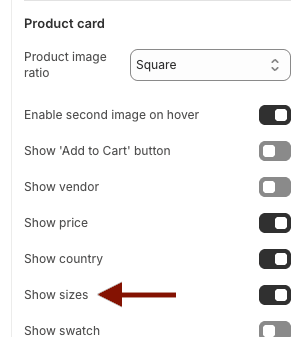
Notes
- The option name must be exactly Size for the theme to detect it.
- Only products with a Size option show the size on the card.